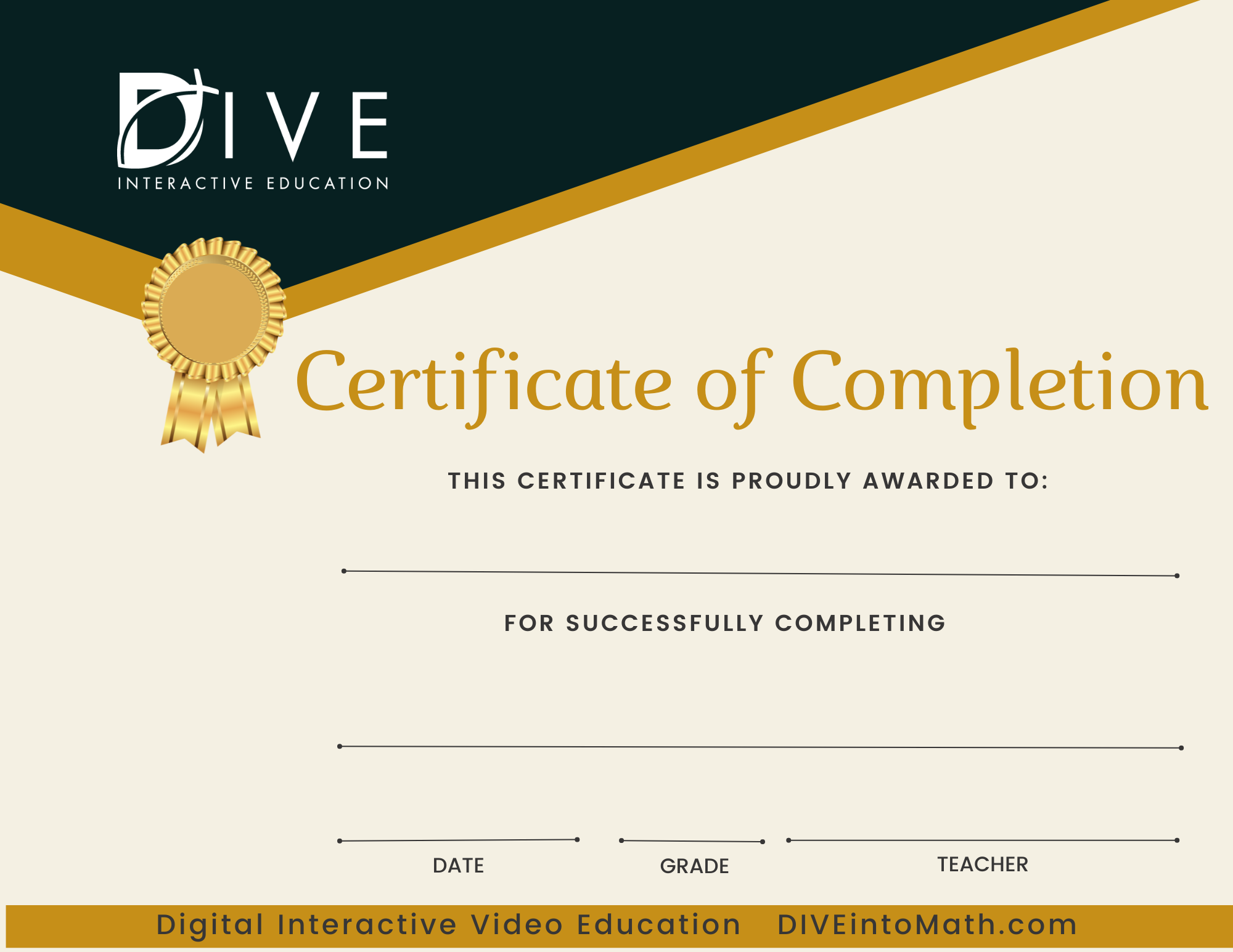
Right click the image and select, "Save Image as". Then, select your Downloads folder.
Open your Download folder, and find the file titled, "Certificate of Achievement".
Fill in the certificate with the student's information using an app like "Preview" or any photo editing app or print the certificate and fill it in by hand.
In the "Grade" field, list either the student's year in school (like 8th Grade) or the course grade. You are not required to use the grade in our system. You are the teacher and it is your responsibility to assign grades.